


From photos to a finished clip
A home-made rap usually means a beat to buy or lease, a mic, a quiet room, a few hours of recording and mixing, and then filming and editing a video. This rap maker folds all of that into a few taps:
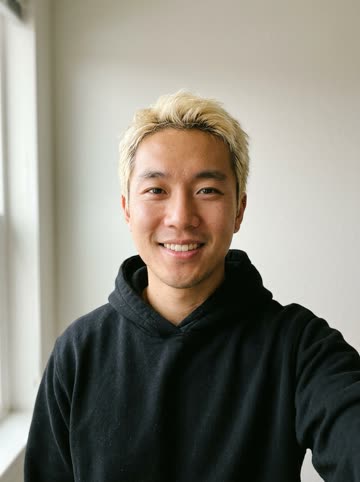
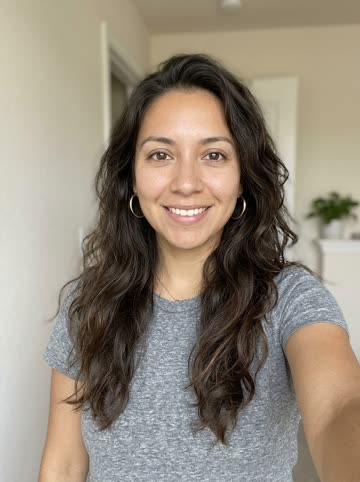
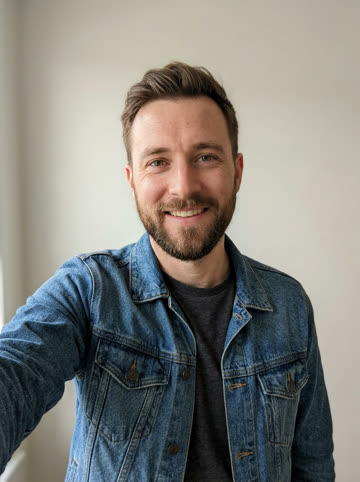
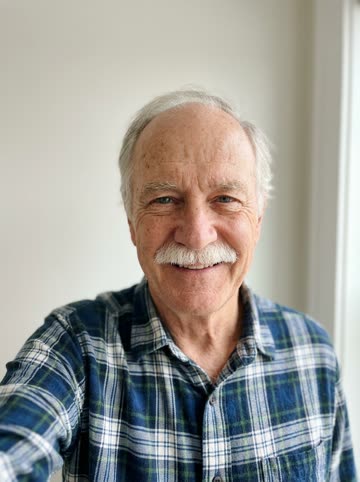
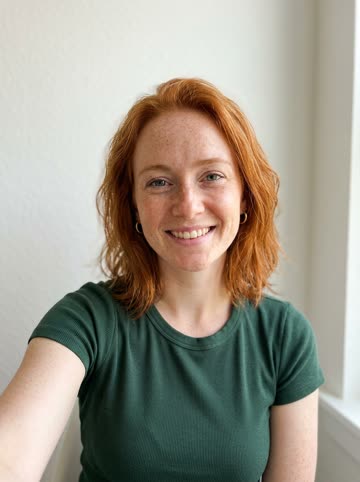
- Add one photo of each performer, or one photo of both.
- Type what the song is about, or leave it blank and let the AI hype up your duo.
- Keep the Neon Studio stage or choose another, then press make.
- Download and share your clip
The photos don't need to be taken together, and they don't need to be new. One clear, front-facing photo per person is all the studio asks for, so a friend in another city can still be on the track.
What goes into the finished song
Every render produces a complete short track. Seedance 2.0 Mini composes an original English verse for the performers and generates the hip-hop beat, vocals and visual performance together. Because sound and picture are made in the same pass, there is no syncing or mixing step left over for you. Each render is new, so the same topic run twice gives you two different verses.
The Neon Studio stage is selected by default here: purple and blue neon, big monitor speakers and a mixing desk behind you, which suits a song that is supposed to sound like it came out of a late session.
Settings cheat sheet
| Setting | Options | Tip |
|---|---|---|
| Length | 5, 8, 10, 12 or 15 seconds | 12 seconds fits one tight verse |
| Resolution | 480p or 720p | 720p looks sharp on phone screens |
| Format | Vertical 9:16, square 1:1, widescreen 16:9 | Vertical for TikTok, Reels and Shorts |
| Stage | Six scenes, from Orange Booth to House Party | Match the stage to the mood of the topic |
| Topic | Up to 200 characters, any language | Names and one specific detail work best |
Choose Seedance 2.0 Mini at 480p or 720p for a 5, 8, 10, 12 or 15-second video. Select 9:16, 1:1 or 16:9; the studio shows the exact credit cost before you submit.
First songs worth making
- A thank-you track for a team that just shipped something big.
- A moving-day song for the apartment you are leaving.
- An anniversary rap starring the two of you.
- A hype intro for a podcast, a club or a weekend league.
- A pet anthem, using the pet cast instead of people.
Not sure where to start? Tap one of the topic ideas above the box, render it, then rewrite the topic with your own details for a second take. The second take is usually the keeper.