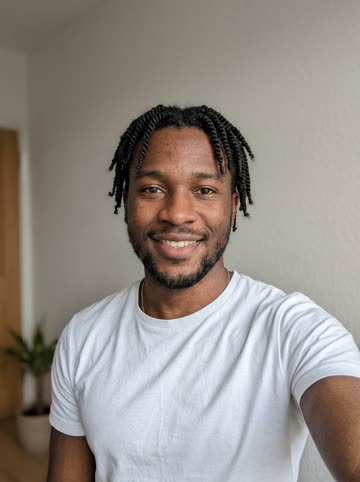

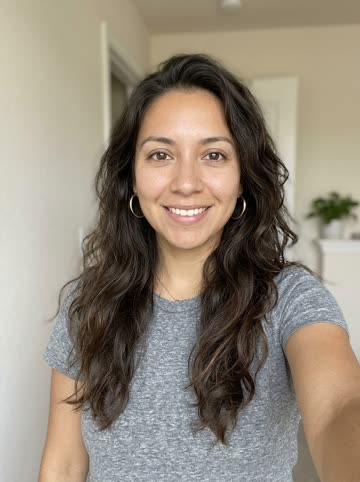
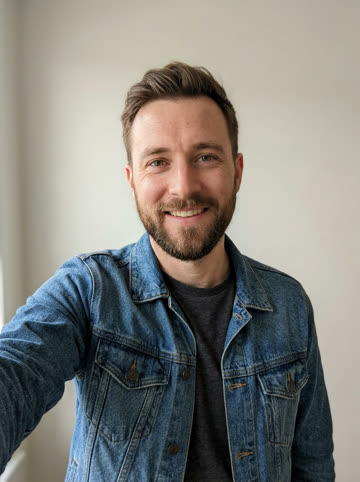
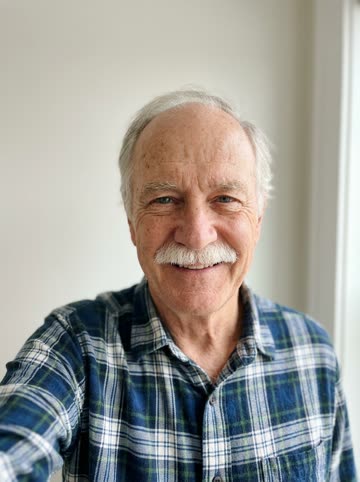
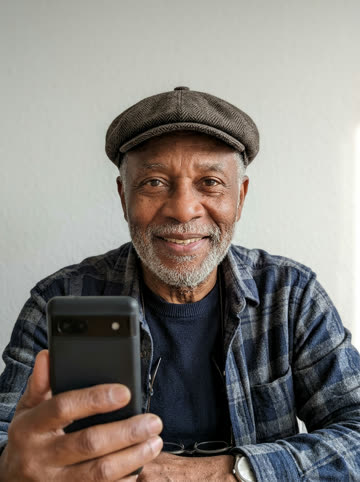

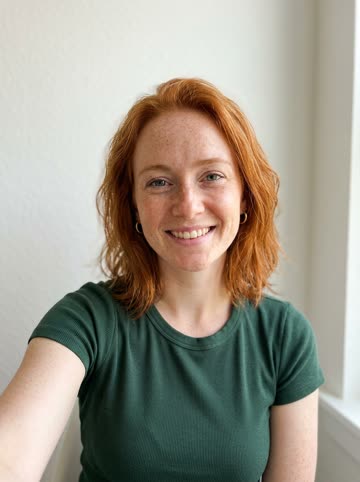
Short answer: You don't need to rap to be the rapper. Add a photo of yourself and one of a friend, pick a stage and a topic, and the AI writes the verse, makes the beat and performs it with your faces lip-synced. Your real voice isn't recorded or needed.
The skills you can skip
Rappers spend years on things you will never have to touch. Here is who handles each one when you make a video:
| What a rapper works on | Who does it here |
|---|---|
| Writing bars that rhyme and land | Seedance 2.0 Mini creates an English verse around your topic |
| Flow, breath and timing | The vocals are generated already on the beat |
| Making or buying a beat | A hip-hop beat is produced for every song |
| Recording and mixing | The audio is created with the video, so there is nothing to mix |
| Filming, lighting and a set | You pick one of six ready-made stages |
| Lip-syncing for the camera | Your photo guides the performer, with coordinated lip movement |
What you still bring
The AI can write and perform, but it doesn't know your life. That part is yours. Bring a clear, front-facing photo of yourself and one of whoever is sharing the mic: a best friend, a partner, a sibling, a parent. The two photos can come from different days and different cities.
Then give the verse something to be about. “Two night-shift nurses who run on vending-machine coffee” gives the verse a more specific subject than a blank box, because it turns a generic rapper into you. You have 200 characters, in any language, and the lyrics come back in English. Type both first names in there too, so the verse can call you out by name.
Pick a stage, pick a persona
The other choice that shapes who you are on screen is the stage.
- Orange Booth: the live-session duo with one hanging mic, the look of the Hotel Lobby trend.
- Marble Lobby: chandeliers and velvet chairs for the luxury flex.
- Neon Studio: purple light and big monitors, late-night recording-session energy.
- Rooftop Night: skyline and string lights for something smoother.
- Graffiti Alley: murals, a boombox and a crowd, built for a street cypher.
- House Party: balloons and confetti for the rapper who starts the party.
The stage changes the feel of the whole video. Same topic, two stages, two different versions of you: try your favorite topic in two scenes and keep the one that looks most like your rapper alter ego.
The honest version
Choose Seedance 2.0 Mini at 480p or 720p for a 5, 8, 10, 12 or 15-second video. Select 9:16, 1:1 or 16:9; the studio shows the exact credit cost before you submit.
Choose your photos and settings, then make the clip. Check its progress in My videos and download the finished MP4.